
Counseling Office Announcement
Online A table input instructions
{{ $t('FEZ001') }} 資料組長
{{ $t('FEZ002') }} Guidance Office|
Student Career Guidance Information (Form A) Online Input Instructions
Students are requested to log in online and complete the form together with their parents.

Instructions for Filling Out:
-
- Connect to the "Taoyuan City Education Development Resources Portal"
https://drp.tyc.edu.tw/TYDRP/Index.aspx
(Note:Cannot be filled out using iPad or iPhone systems)
-
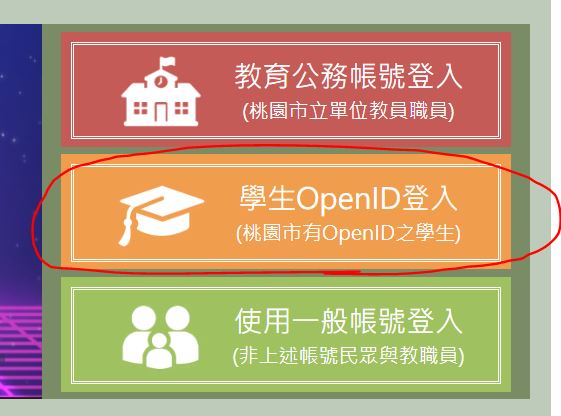
- Click on [Student OpenID Login] in the menu on the right side of the webpage→[Student Login]
-
- Click to (fill in) the following information
- School Area: Taoyuan District
- School: Municipal Taoyuan Junior High School
- Last four digits of ID card: XXXX
- Enter Password: (8-digit Gregorian calendar birthday, e.g., 20090531)
- Click on [Parent-Teacher Interaction]→[Student Affairs Zone]→[Counseling Office Interaction Area]→[Fill in Counseling Record (A)]
- Fill in the relevant information. (Seventh graders fill in items 1 to 6)
- After fillingout,finally click [Submit] to complete Counseling Record Form A.
- Click to (fill in) the following information
{{ $t('FEZ003') }} Invalid date
{{ $t('FEZ004') }} 2023-02-14|
{{ $t('FEZ005') }} 1170|